
Figma for Small Business Owners: Design Without a Designer
Why Figma Is a Game-Changer for Small Business Owners
As a small business owner, every dollar counts. Hiring a professional designer can cost thousands of dollars monthly, which often isn't feasible for startups and growing companies. Enter Figma—a cloud-based design platform that's democratizing design and putting professional-quality tools directly into your hands.
Unlike traditional design software that requires expensive licenses and steep learning curves, Figma is intuitive, collaborative, and affordable. Whether you're creating social media graphics, designing website mockups, or building brand assets, Figma gives you the capability to do it yourself without compromising on quality.
The best part? You don't need years of design experience. Figma's user-friendly interface and abundance of templates make it accessible for beginners while remaining powerful enough for professionals. This makes it the perfect middle ground for business owners who want to maintain creative control without breaking the bank.
Getting Started: Setting Up Your Figma Workspace
Creating a Figma account takes less than two minutes. Simply visit figma.com and sign up with your email. Figma offers a free tier that's surprisingly robust—perfect for testing the platform before upgrading.
Once you're logged in, you'll land on your dashboard. Here's where you'll start new projects or browse community files. The interface is clean and organized, with options to create a new file or explore starter templates. For beginners, we recommend starting with one of Figma's pre-made templates. They provide structure and show you how professional designers approach common design challenges.
Take time to familiarize yourself with the left sidebar (tools panel), the center canvas (your design workspace), and the right sidebar (properties and design settings). Understanding these three core areas will accelerate your learning curve significantly. Pro tip: Figma's built-in tutorials are excellent—don't skip them.
Essential Figma Features Every Small Business Owner Should Master
While Figma has dozens of features, small business owners should focus on mastering these core functionalities: the shape tools, text styling, components, and prototyping. These alone will enable you to create 90% of the designs you'll need for your business.
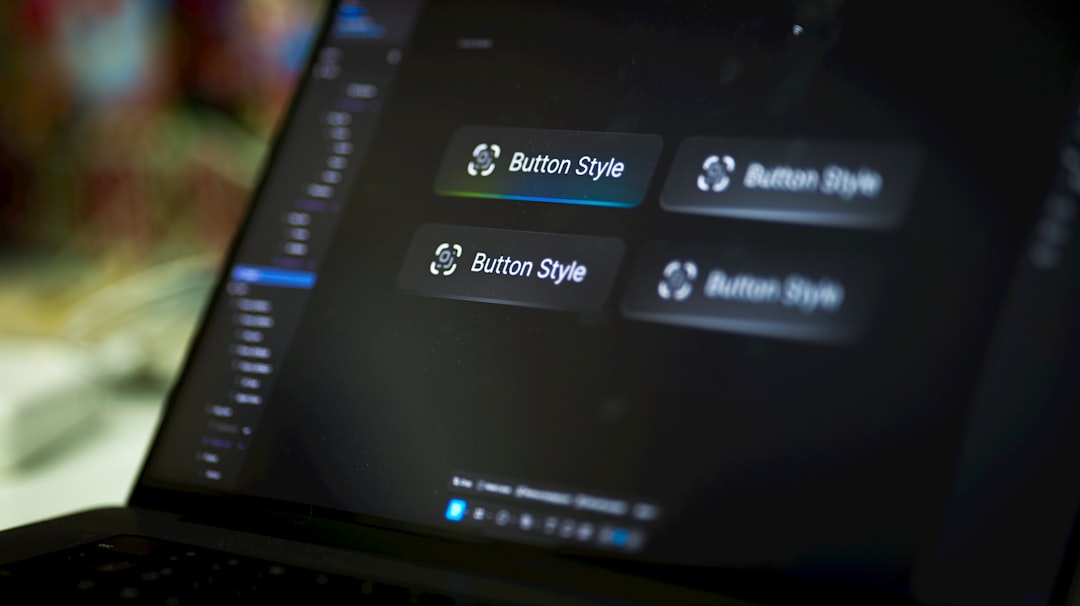
Shapes form the foundation of any design. Use rectangles, circles, and polygons to create layouts. Text styling allows you to maintain brand consistency—save your fonts and colors as styles so every design aligns with your brand identity. Components are reusable design elements that save tremendous time; create a button component once, and update it everywhere simultaneously. Finally, prototyping transforms static designs into interactive mockups that showcase how your website or app will function.

Real-World Design Projects for Your Small Business
Let's talk practical applications. As a small business owner, you can use Figma for website wireframes before development begins. Sketch out your homepage layout, test different content arrangements, and make decisions based on visual mockups rather than assumptions. This saves developers time and prevents costly revisions.
Social media graphics are another perfect use case. Create Instagram posts, LinkedIn banners, and email headers using Figma's templates. Once you've designed one post, duplicate it and swap out images and text for future posts. Consistency across your social channels has never been easier.
You can also design email templates, product mockups, pitch decks, and brand guidelines—all in Figma. The versatility is remarkable. Many small business owners report saving 10+ hours monthly by handling these design tasks in-house rather than outsourcing to freelancers.
Collaboration and Sharing: Working With Your Team
One of Figma's superpowers is real-time collaboration. Invite team members, freelancers, or clients directly into your projects. Everyone can comment, suggest changes, and contribute simultaneously. No more email chains with confusing file versions.
Share designs with stakeholders using Figma's share links. They can view your work and leave feedback without needing a Figma account. This streamlines the approval process and ensures everyone's on the same page.
Pro Tips and Common Mistakes to Avoid
Save time by using Figma's plugin ecosystem. Plugins like Unsplash and Iconify let you add images and icons directly into your designs. Use the Assets panel to organize and reuse colors, typography, and components across projects.
Common mistake: Starting with a blank canvas. Always begin with a template or framework—it provides structure and eliminates the paralysis of staring at empty space. Another mistake is ignoring naming conventions. Name your layers logically; future-you will appreciate it.
Finally, invest 30 minutes watching YouTube tutorials. Figma has an incredible community, and visual learning accelerates mastery. Join Figma communities, explore how others solve design problems, and continuously expand your skillset.
Figma isn't just a tool—it's an investment in your business's creative independence and efficiency. Start today, and watch your design capabilities transform.